AI Hairstyle Studio
Four AI styling tools in one consumer product
Built a consumer AI styling product on Bubble with Python-powered image generation, face analysis and personalised colour guidance.
- 0
- AI tools
The situation
When consumer generative AI first became practical, most image products still felt like technical demos. The challenge was turning AI capabilities into a product anyone could use — without requiring users to understand prompts, models or parameters.
The product needed a frontend that felt like a polished consumer app, not a developer tool. Bubble gave us the visual interface layer while Python handled the AI processing on the backend. The API Connector plugin bridged the two, sending images to external AI models and displaying results inside the Bubble app.
Speed mattered — the AI space was moving fast and the window for a consumer-ready product was narrow. Bubble's visual editor let us iterate on the user experience daily while the Python workflows handled the heavy computation separately.
What we built
We built the consumer-facing product in Bubble and connected it to Python AI workflows through the API Connector plugin.
Bubble frontend architecture
The entire user-facing product — upload flows, style galleries, comparison views and result pages — was built in Bubble's visual editor. Custom states manage the multi-step flows (upload → process → result) without page refreshes. Repeating groups display AI-generated style variations in a gallery layout that works on mobile and desktop.
AI pipeline integration
Python AI workflows run on external servers. The Bubble app sends images via the API Connector plugin, polls for results using scheduled API workflows, and displays outputs when processing completes. Each of the four tools — hairstyle generation, face-shape analysis, age estimation and colour analysis — has its own API endpoint and result format, all handled within Bubble's workflow system.
Image handling
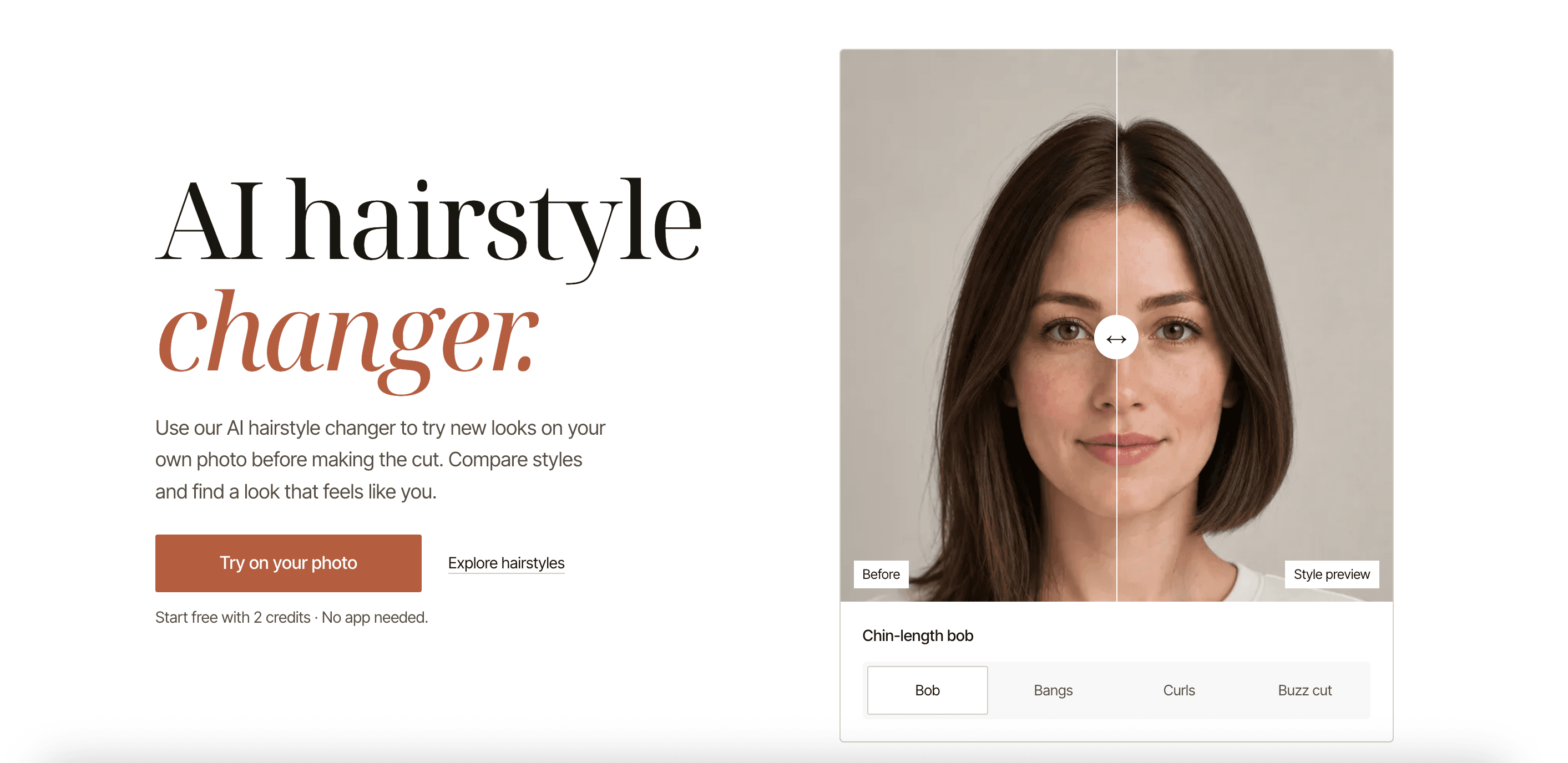
User photo uploads flow through Bubble's file storage with proper compression and format handling. The API Connector sends images to the AI pipeline and receives processed results. Before-and-after comparison views use conditional visibility and custom states to let users flip between original and generated images.
Responsive consumer experience
The product needed to feel native on phones — most users would try it on mobile first. Bubble's responsive groups, conditional visibility and mobile-specific layouts ensure every flow works at phone width. Touch gestures for the before-and-after comparisons were built using Bubble's native event handling.
- Consumer-facing product built entirely in Bubble's visual editor
- AI pipeline integration via the API Connector plugin
- Four AI tools sharing one coherent Bubble interface
- Mobile-first responsive design for phone-first users
Technical challenge
Four different AI model workflows — generative image, face-shape measurement, age estimation and color analysis — each with different async processing patterns, all behind one coherent consumer interface.
The result
The result is a reusable AI styling platform rather than a single demo — hairstyle generation, face analysis, apparent-age estimation and colour analysis share one coherent interface built on Bubble.
The Bubble frontend handles the entire user experience while Python AI workflows run independently. The team can update the UI, add new style options or adjust flows without touching the AI pipeline.
Have an AI product that needs a polished Bubble frontend?
Next case study
AutoFox AI virtual showroom